 runnrr
From a damage report to a completed repair
A tenant sends a photo. Someone must identify the property, open a work item, contact the contractor, get the owner’s approval and follow up until the repair is complete. Runnrr helps execute that workflow around your existing property system.
Talk to Dmitrijs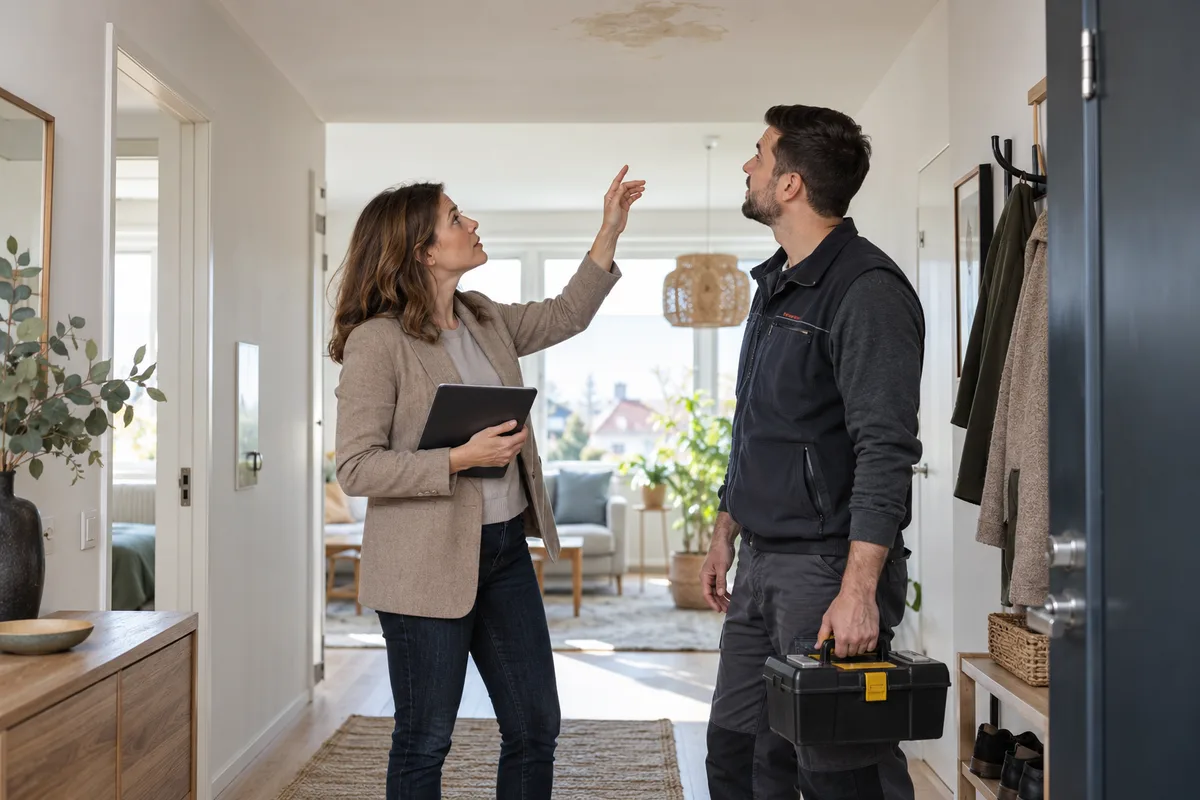
Bring the request and its context together
Match the report and photos to the property and unit. Create or update the work item after the agreed review.
Ask for missing access details and contact the contractor. Keep WhatsApp and email responses linked to the same repair.
- Repair report received
- Property and unit matched
- Access details requested
Coordinate the next step and check the result
Get the required owner or manager approval before dispatching work. Fill the agreed forms and update the existing application through an assessed connection or computer use.
Follow up on scheduling and completion evidence. Verify the system update before closing the item, and return exceptions to the manager.
- Owner approval recorded
- Contractor and schedule coordinated
- Completion evidence checked
Start with one recurring workflow
Your team agrees the approvals
Keep your property ERP and portals. Start with maintenance coordination; formal notices, contracts and debt collection stay in your firm’s approved processes. Assess your exact system, permissions and reliability requirements with Dmitrijs.