 runnrr
 Codex
CodexImplement a requested change
Write what needs to change and what a correct result looks like. Include the repository or files the connected agent needs.
Run tasks with your connected Codex account from Runnrr, using the request, brief and files behind the work.
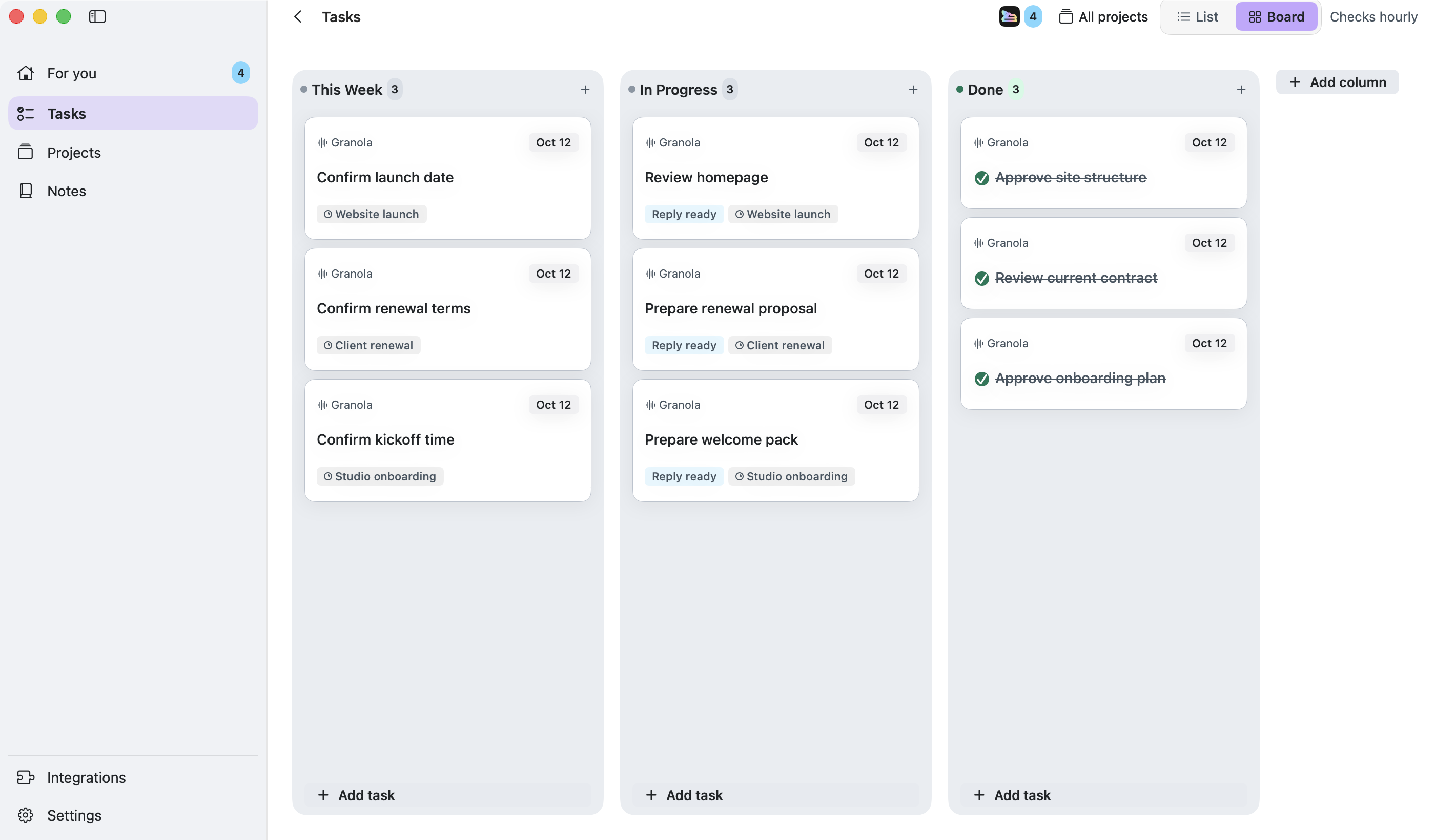
A client call or message can leave you with a change to implement or a question to research. Give your connected Codex agent the task and its supporting context, then let it carry out the work.
Review the agent’s progress, approval requests and output from the task. This connection uses your own Codex account; Runnrr’s reply writing and project routines are built in.
Write what needs to change and what a correct result looks like. Include the repository or files the connected agent needs.
Give the agent a specific question and the supporting brief. Check the findings and their sources before using them.
Follow the run, approve actions when requested and inspect the result before marking the task done.
Connect Codex
Connect your own Codex account in Runnrr’s AI tool setup.
Brief the result
Open an accepted task, describe the output you want and include the supporting files and context.
Run and check the work
Use the task’s run action. Review progress, requested approvals and the completed output, then update the task when the work is finished.
No. Scanning, reply drafting and project chat work inside Runnrr. Optional Claude Code and Codex connections use your own accounts.
No. This optional connection uses your own Codex account and its service terms.
Planning and saved files work offline. Connected AI tools need internet access.
Start with one connected conversation. Give Runnrr the context already there and review the work it produces.
macOS 14+
 Claude Code