 runnrr
Get a reply that fits the client
Let relevant saved knowledge inform the wording and substance of the response Runnrr writes.
Give Runnrr client briefs, decisions and preferences it can use when writing replies and working from project context.
A client brief is useful when it changes the work you get back. Keep the agreed scope, preferences and meeting decisions in Notes so Runnrr can use the relevant details in its replies and linked project work.
Add your own context, edit what changes and link relevant notes to a project. You can inspect the sources behind the result and keep reading or editing your saved files yourself.
Let relevant saved knowledge inform the wording and substance of the response Runnrr writes.
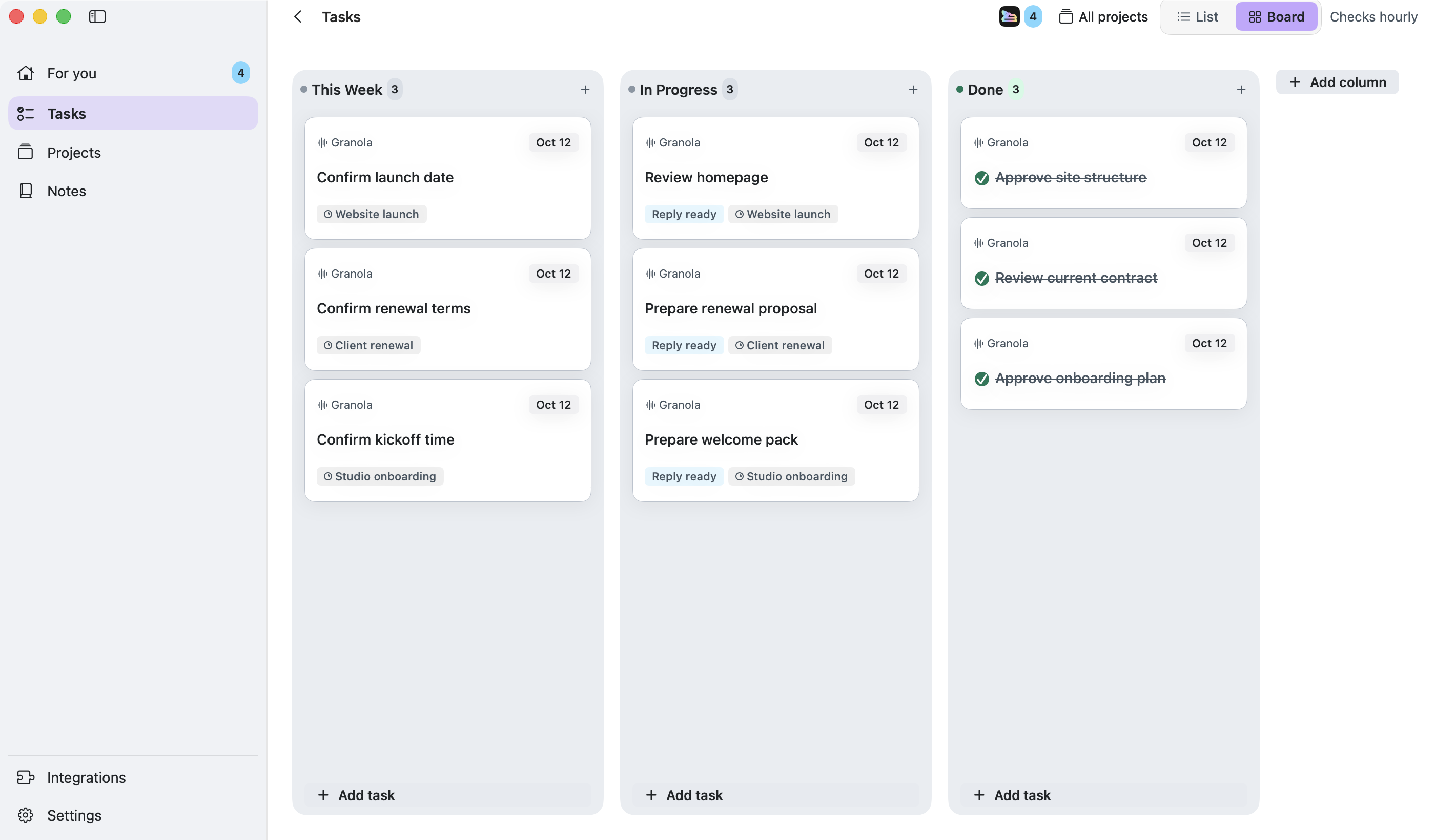
Link notes and decisions to a project so enabled follow-up, meeting and update routines can work from them.
Correct changed scope, dates or preferences in your notes before they inform the next piece of work.
Add the context
Write the client brief and relevant decisions in Notes.
Link it to the work
Connect the relevant notes and conversations to a project, confirming any suggested links.
Use the result
Review the reply or project output that Runnrr produces from the context and correct any missing or outdated details.
Yes. Read and edit the details in the Notes, or open your saved files in another writing app.
Runnrr can work from supported written files and text extracted from supported attachments. Extraction can be incomplete; review the linked source passages rather than assuming every file has been read.
Runnrr looks for relevant information for the task. You can review the sources used with the draft.
Start with one connected conversation. Give Runnrr the context already there and review the work it produces.
macOS 14+
 WhatsApp
 Granola