 runnrr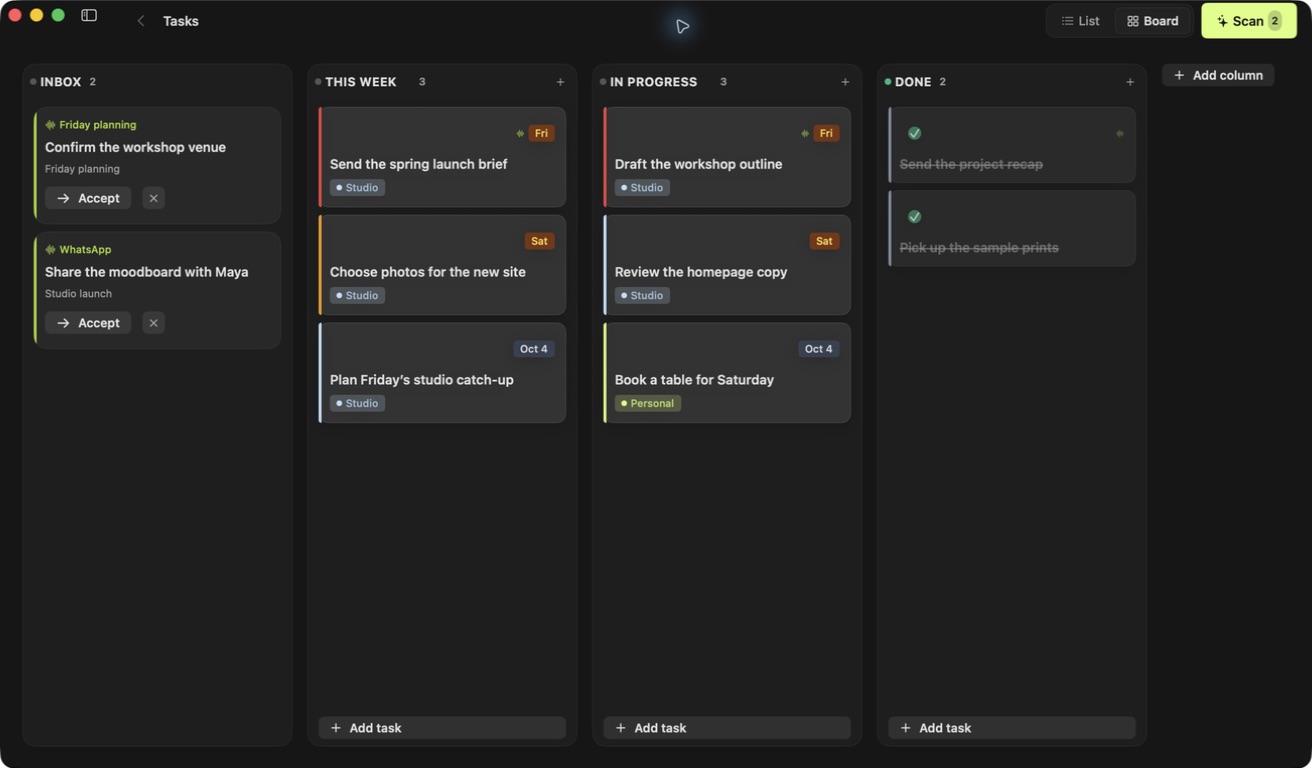
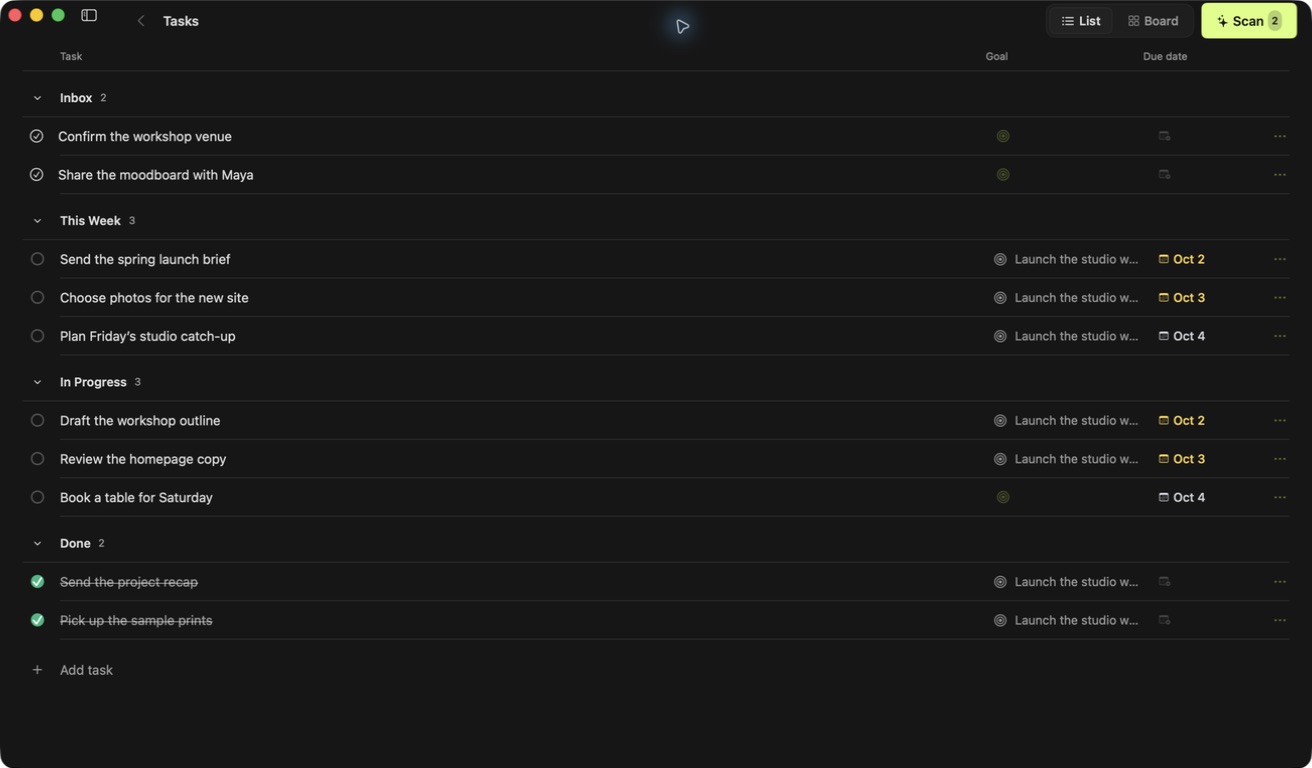
Add the next task without breaking your flow.
Add a task with ⌘N. Jump between Tasks, Knowledge Base, and Goals with ⌘1, ⌘2, and ⌘3. Familiar shortcuts keep your day moving.
Keep client requests, decisions and next steps together. Runnrr helps you pick up the work with the context you need to act.
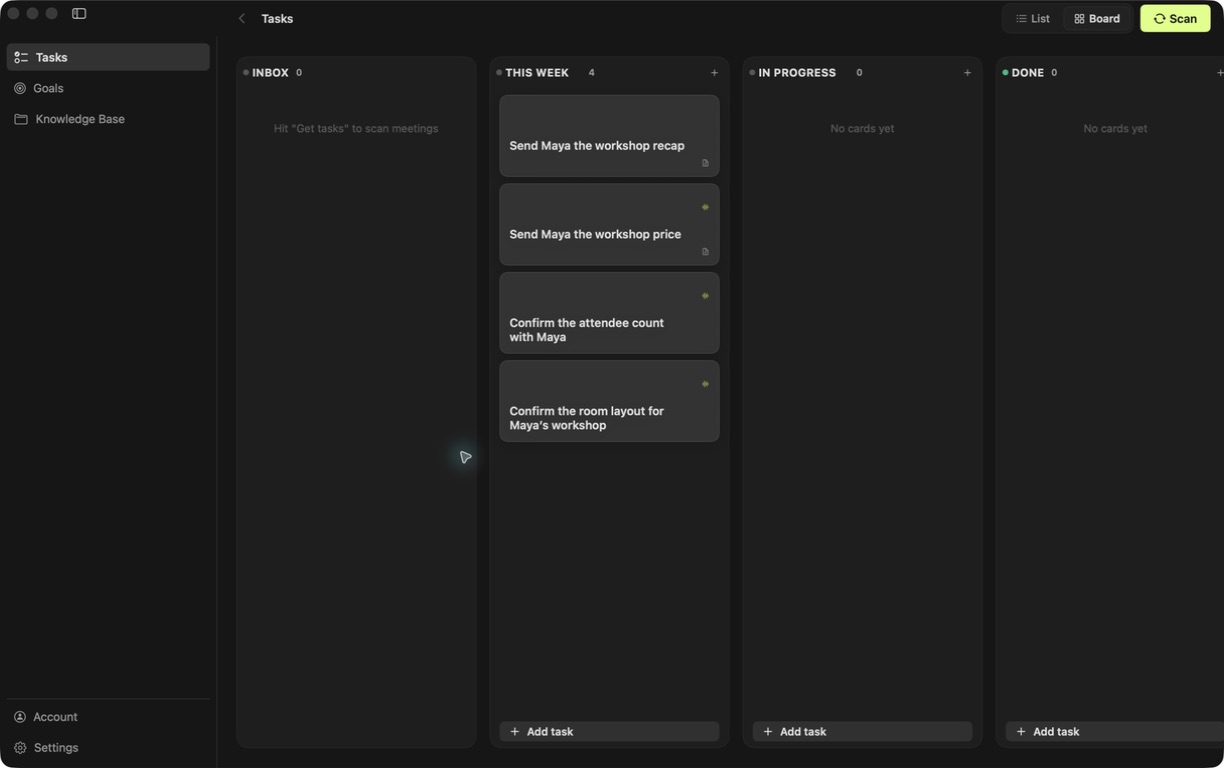
Fictional demo content.
View full-size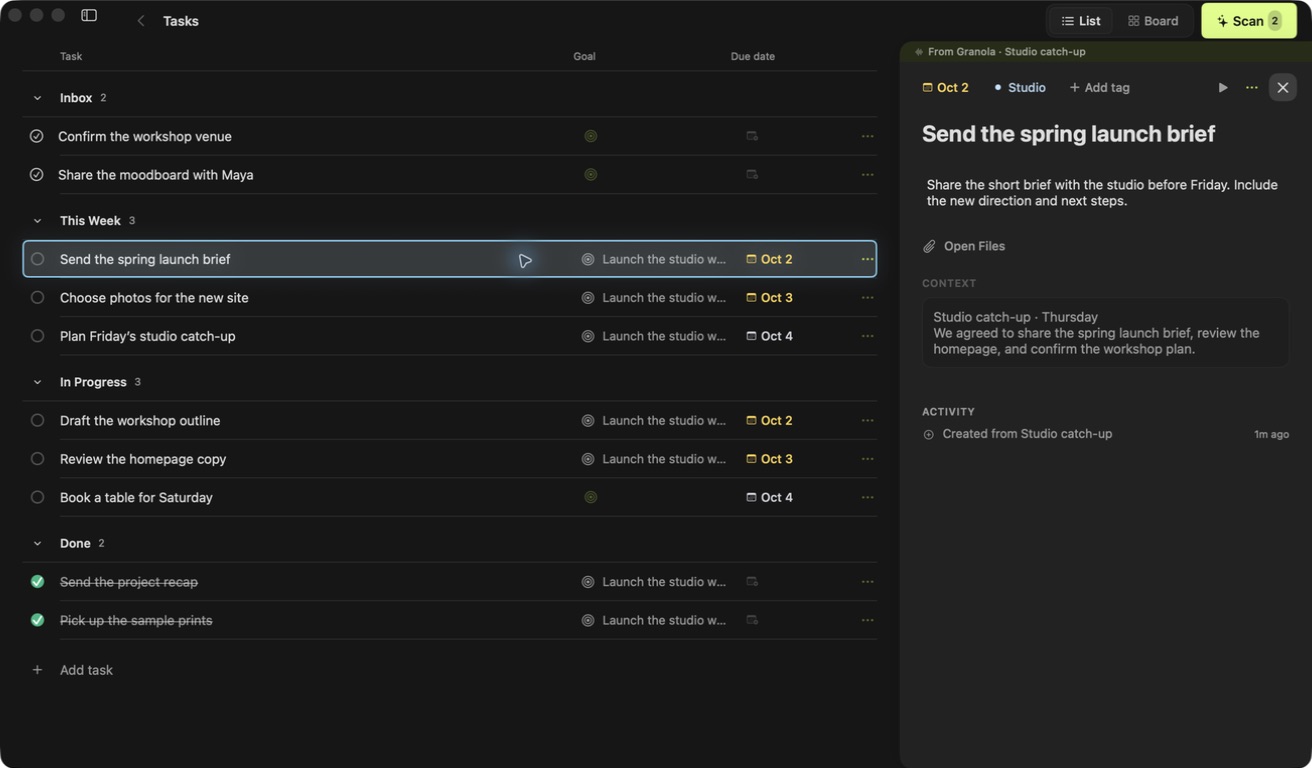
The original request, the decision from your call and the brief you need are close to the task. Get back to the work without searching through a week of conversations.
Scan WhatsApp and Granola for suggested follow-ups, then review the ones you want on your board. You can always add your own tasks too.
Prepare a reply using the current conversation, relevant meeting details and what you already know about that client. Shared group discussions can help when they matter to the question.
Runnrr takes cues from how you have replied to that person before. Edit the draft, refine it or copy it when it is ready. You decide what gets sent.
No separate Claude or Codex subscription is needed.
Maya at Linden Studio
Workshop enquiry
“Can you remind me what’s included in the workshop?”
Draft for Maya
Hi Maya, the workshop includes a two-hour session for your 12-person team, plus materials and a short recap afterwards. Happy to answer any other questions before you decide.
Uses the details agreed in your meeting.
Maya at Linden Studio
Workshop enquiry
“Can you remind me what’s included in the workshop?”
What you agreed with Maya
Keep useful client details, meeting decisions and your own written information in one Knowledge Base. Runnrr can use the relevant parts when you prepare a response.
Read and edit that information yourself. Correct an outdated detail or add something the conversation did not cover.
A proposal, a pricing question and a planning call might all support the same goal. Link them so you can see how the work fits together.
Runnrr suggests relevant goals for you to review. Once you link one, a prepared reply can take it into account while answering the question at hand.
Maya at Linden Studio
Workshop enquiry
“Can you remind me what’s included in the workshop?”
Book the Linden Studio workshop
A dedicated window, familiar menus and useful shortcuts. Switch between a board and a list, add tasks quickly and keep planning when you are offline.
Add a task with ⌘N. Jump between Tasks, Knowledge Base, and Goals with ⌘1, ⌘2, and ⌘3. Familiar shortcuts keep your day moving.
Your board lives on your Mac. Keep planning and writing whenever you’re away from Wi-Fi.
Keep useful information in files you can read and edit yourself. Open them from Runnrr, Finder or another writing app.
Your board and saved files live on your Mac. You choose your connected sources. Scanning and drafting use online AI.
Already use Claude Code or Codex? Connect them for tasks such as research or development, using your own account. Everyday scanning and drafting work without them.