 runnrr
Get the response written
Runnrr writes from the request and relevant client knowledge, so you can review the response instead of starting it.
Get replies written, meeting briefs built and project updates drafted from the tasks and context in your local Mac workspace.
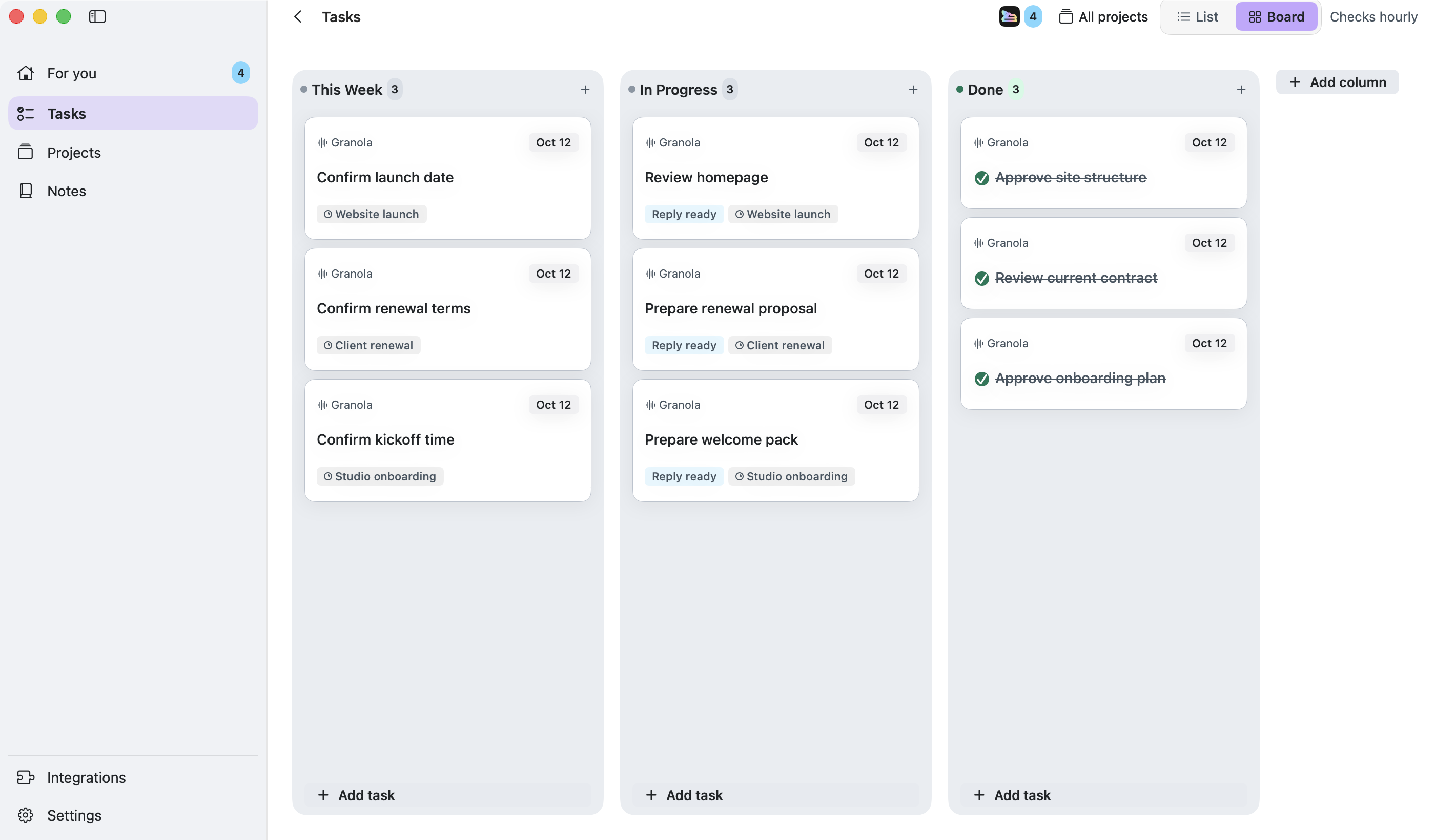
Your board gives Runnrr the work to do. It writes replies from connected conversations, while enabled project routines produce meeting briefs and weekly updates from linked context.
The workspace and saved files stay on your Mac. Built-in AI uses online services to produce the work, with results and sources available for review.
Runnrr writes from the request and relevant client knowledge, so you can review the response instead of starting it.
Enable project follow-ups, meeting preparation and weekly updates for work that repeats.
Open the result with its linked evidence, check it and use it to complete the task.
Connect the source
Start with WhatsApp or Granola, then add other supported conversations.
Give the work a brief
Accept relevant tasks and link the project’s notes and conversations.
Pick up the work
Review replies and project routine results in For you. Planning and saved files work offline; connected AI work needs internet.
No. Scanning, reply drafting and project chat work inside Runnrr. Optional Claude Code and Codex connections use your own accounts.
You can organise tasks and read or edit saved information offline. Connected scans and AI drafting need an internet connection.
Runnrr currently provides a personal board on your Mac. It is useful for the work you own within a small company; shared team boards are not available.
Start with one connected conversation. Give Runnrr the context already there and review the work it produces.
macOS 14+
 WhatsApp
 Granola
 Claude Code
 Codex
Codex