 runnrr
Choose the work to hand off
Accept requests from connected conversations or add tasks yourself, with a clear description of the result needed.
Give Runnrr tasks to work on. Use its board or list to manage the work, then review written replies and project routine results.
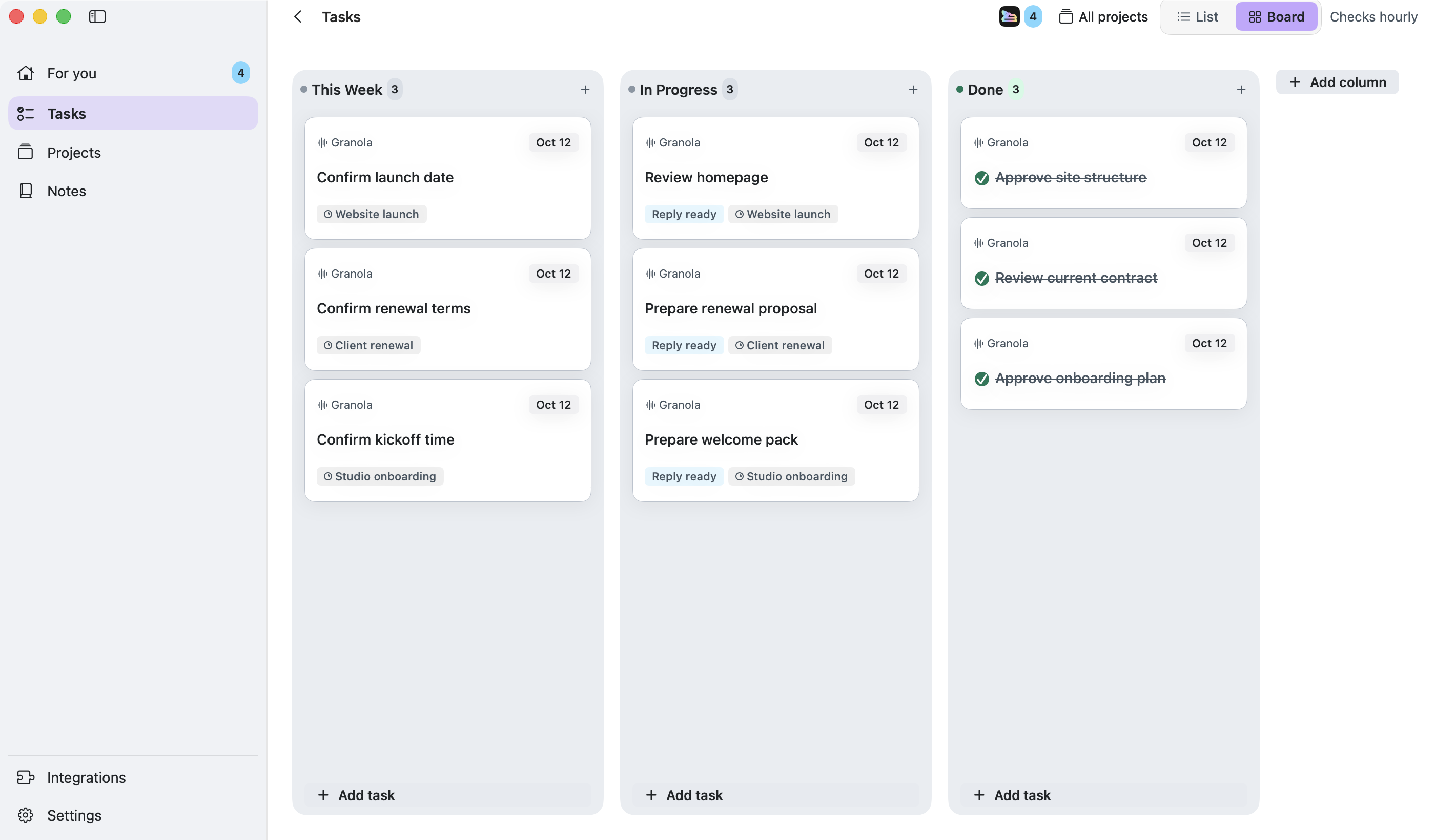
Runnrr’s board holds the tasks you own and the context behind them. Its AI coworker writes replies and produces enabled project routine outputs, so tasks can lead to work ready to use.
Use the board to decide what matters, then review Runnrr’s work in For you. Dates, priorities and project context stay with the tasks you manage on your Mac.
Accept requests from connected conversations or add tasks yourself, with a clear description of the result needed.
Link relevant conversations and notes so Runnrr can write from the context behind the task.
Review and use the written output, then mark the task done when its required action is complete.
Add your first task
Press ⌘N or accept a suggested task from a connected conversation.
Give Runnrr the context
Include the request and link relevant notes or project sources.
Review and finish
Pick up replies or enabled routine results in For you. Use the output and mark the task done after the required action.
Yes. The Mac app is free to use during early access. Request an invitation, then sign in and connect WhatsApp or Granola to get started.
Runnrr currently provides a personal board on your Mac. It is useful for the work you own within a small company; shared team boards are not available.
You can organise tasks and read or edit saved information offline. Connected scans and AI drafting need an internet connection.
Start with one connected conversation. Give Runnrr the context already there and review the work it produces.
macOS 14+
 WhatsApp
 Granola