 runnrr
 Granola
 Claude Code
 Codex
CodexWrite the next client message
Get a follow-up written from the call and relevant client context, ready for you to review and send.
Use the context in Granola to get follow-ups written and project routines working on briefs and updates.
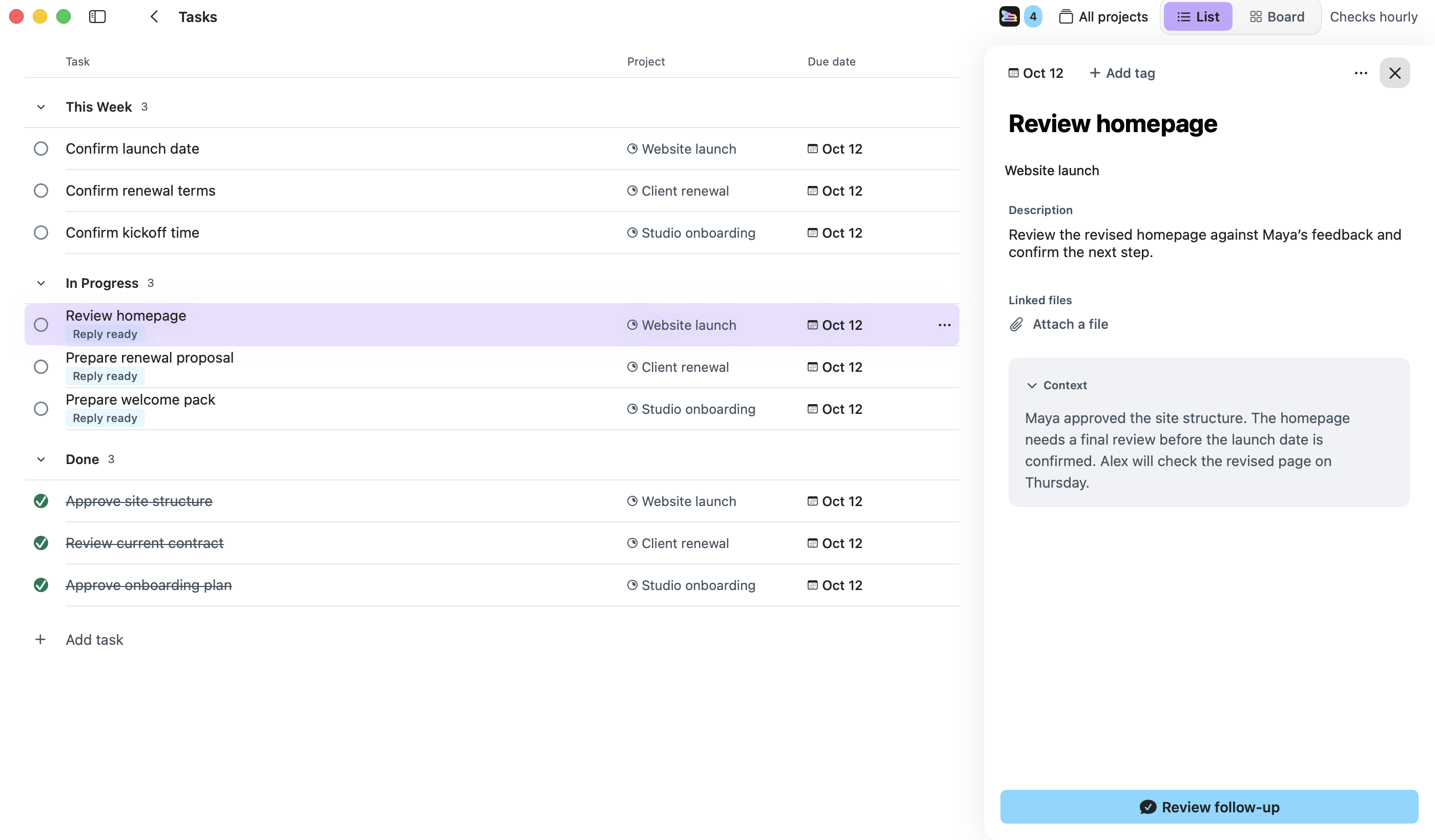
Granola captures the conversation. Runnrr uses the meeting context to find your commitments and write the follow-up. Link the meeting to a project so its decisions can inform the next brief or update.
Review the written result with its original context. Research and development tasks can also run through an optional Claude Code or Codex connection.
Get a follow-up written from the call and relevant client context, ready for you to review and send.
Link the call to its project and enable meeting preparation. Runnrr uses linked sources and calendar context to produce the brief.
Give a connected coding agent the accepted task and meeting context. Review its result and any approval requests.
Connect your Granola account
Sign in to Runnrr and choose Granola in Settings.
Accept the work
Scan meetings, check the source and accept the commitments you own.
Pick up the output
Review the follow-up in Runnrr, enable a project routine or run the task with a connected agent. Use the result to finish the work.
You need access to the meetings through your own Granola account. Granola controls its account and plan requirements.
No. Scanning, reply drafting and project chat work inside Runnrr. Optional Claude Code and Codex connections use your own accounts.
Runnrr can prepare a follow-up for you to review and copy. It does not send messages on your behalf.
Start with one connected conversation. Give Runnrr the context already there and review the work it produces.
macOS 14+
 WhatsApp